
Adapters over a frozen base
Trains a small set of adapter weights while the base model stays put. The fast path when the model already fits its accelerator.
Self-hosted open models · LoRA fine-tuning
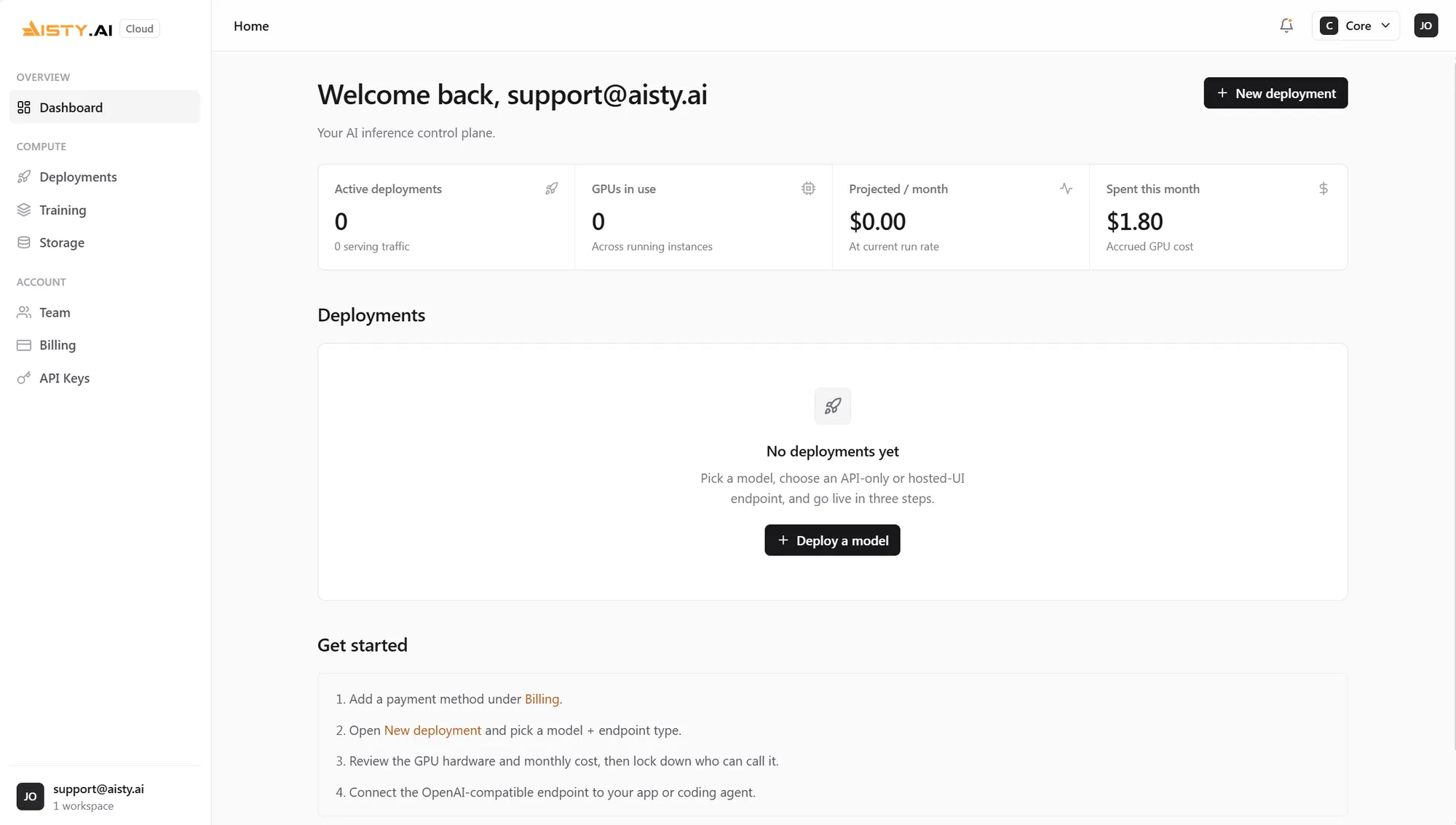
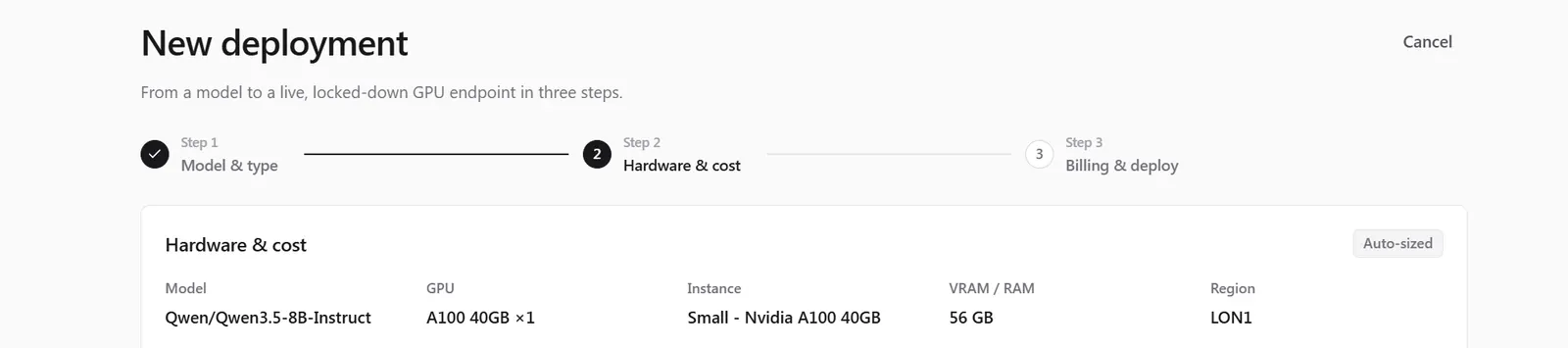
Pick a model. Pick endpoint, or endpoint plus a chat interface. Deploy. Aisty sizes the GPU, provisions dedicated compute, and shows you the exact cost before you confirm. You never touch an instance type.
No instance types. No cluster config. No YAML.
How it works
Hosting an open model usually means choosing an instance type, sizing a GPU, writing a serving config and keeping it alive. There's one right answer per model, so we do all of it for you.
Grab one from the catalog or bring weights from Hugging Face. Aisty reads the parameter count and picks the accelerator that fits, so you never research an instance type.
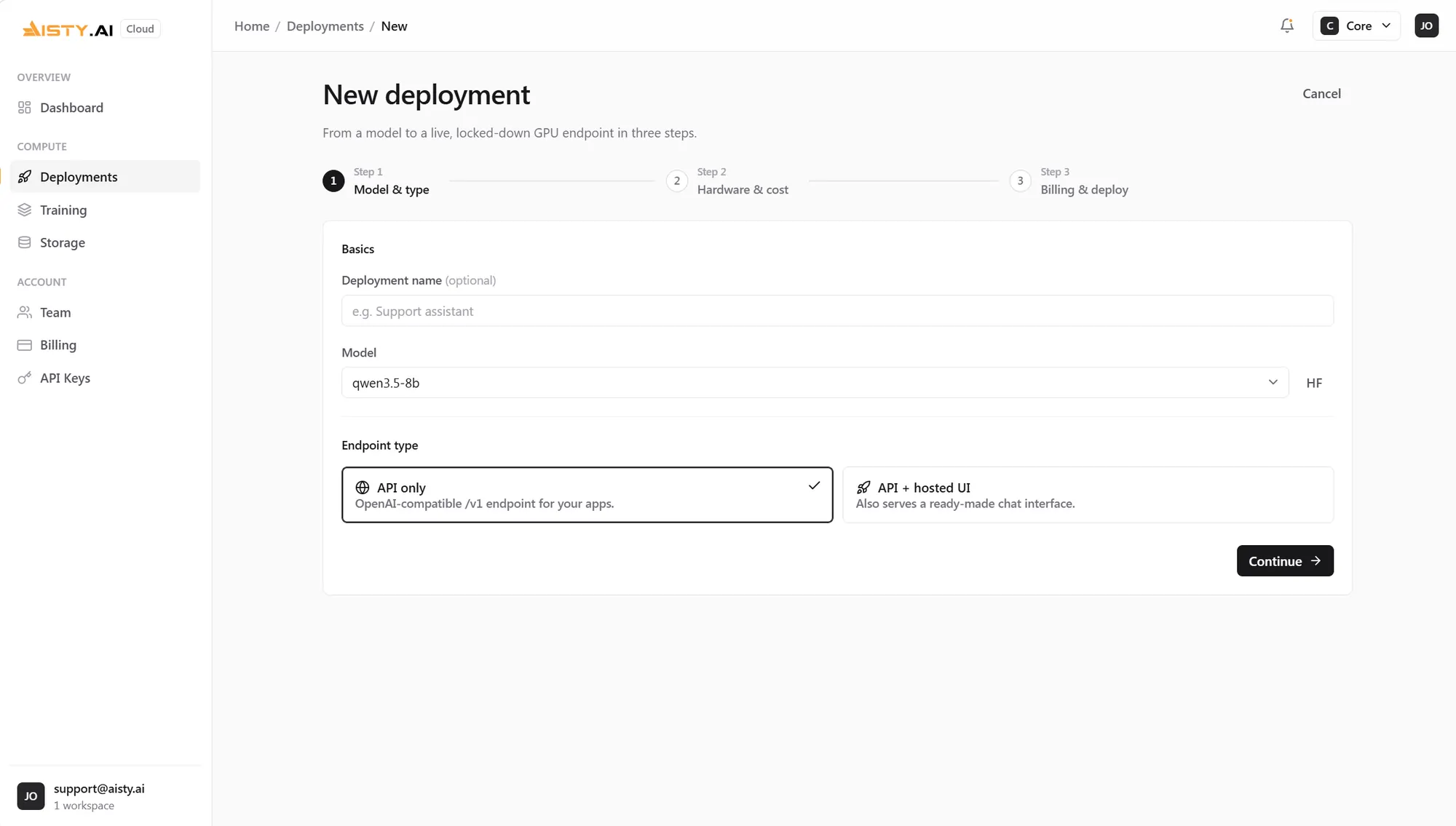
A bare API endpoint, or an endpoint with a hosted chat UI your team can use this afternoon. Both are locked to your workspace.
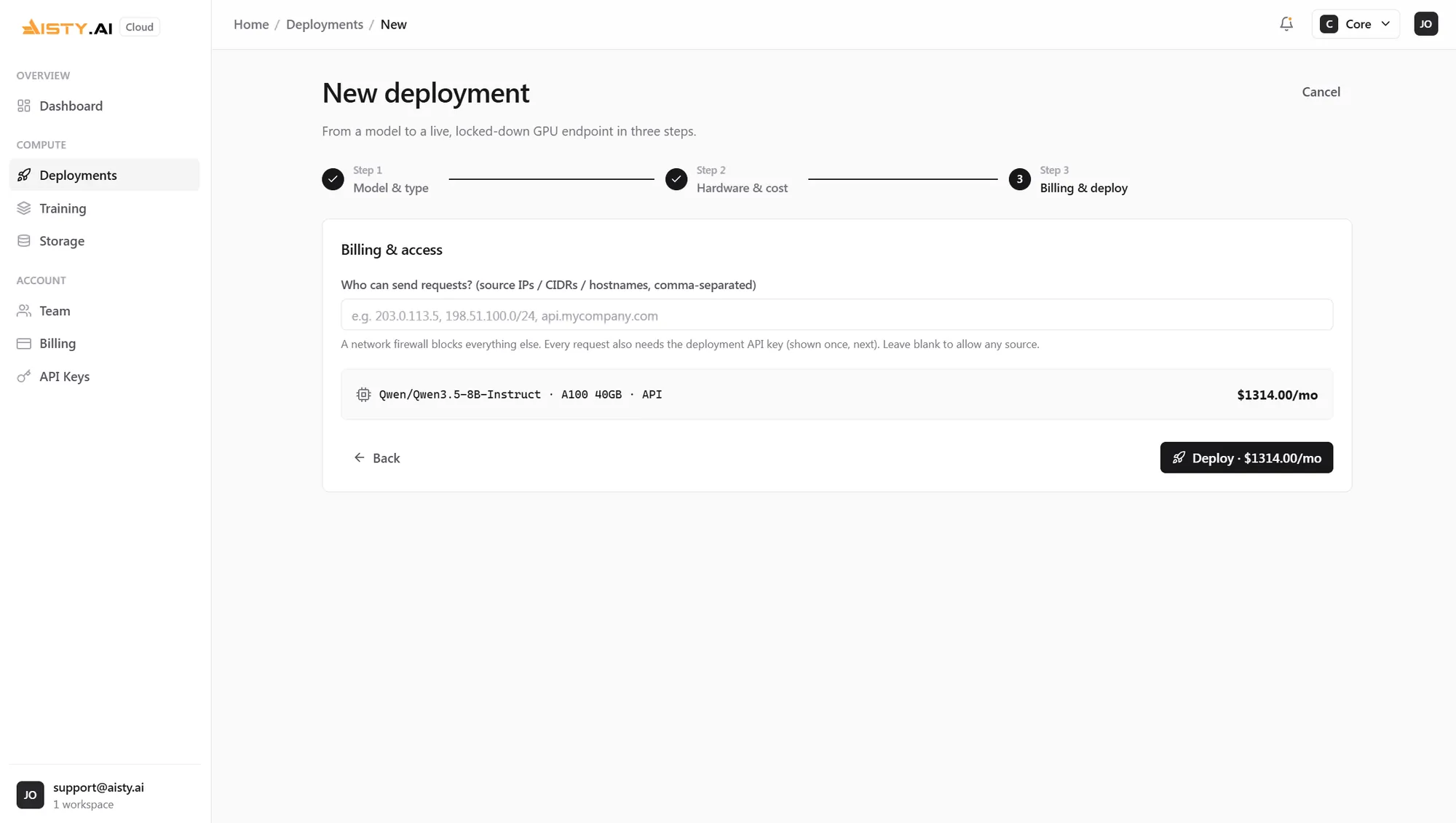
Approve the plan and the price. Weights pull, hardware boots, and you get a URL and a scoped API key. Dedicated compute, never shared with another tenant.
Fine-tuning
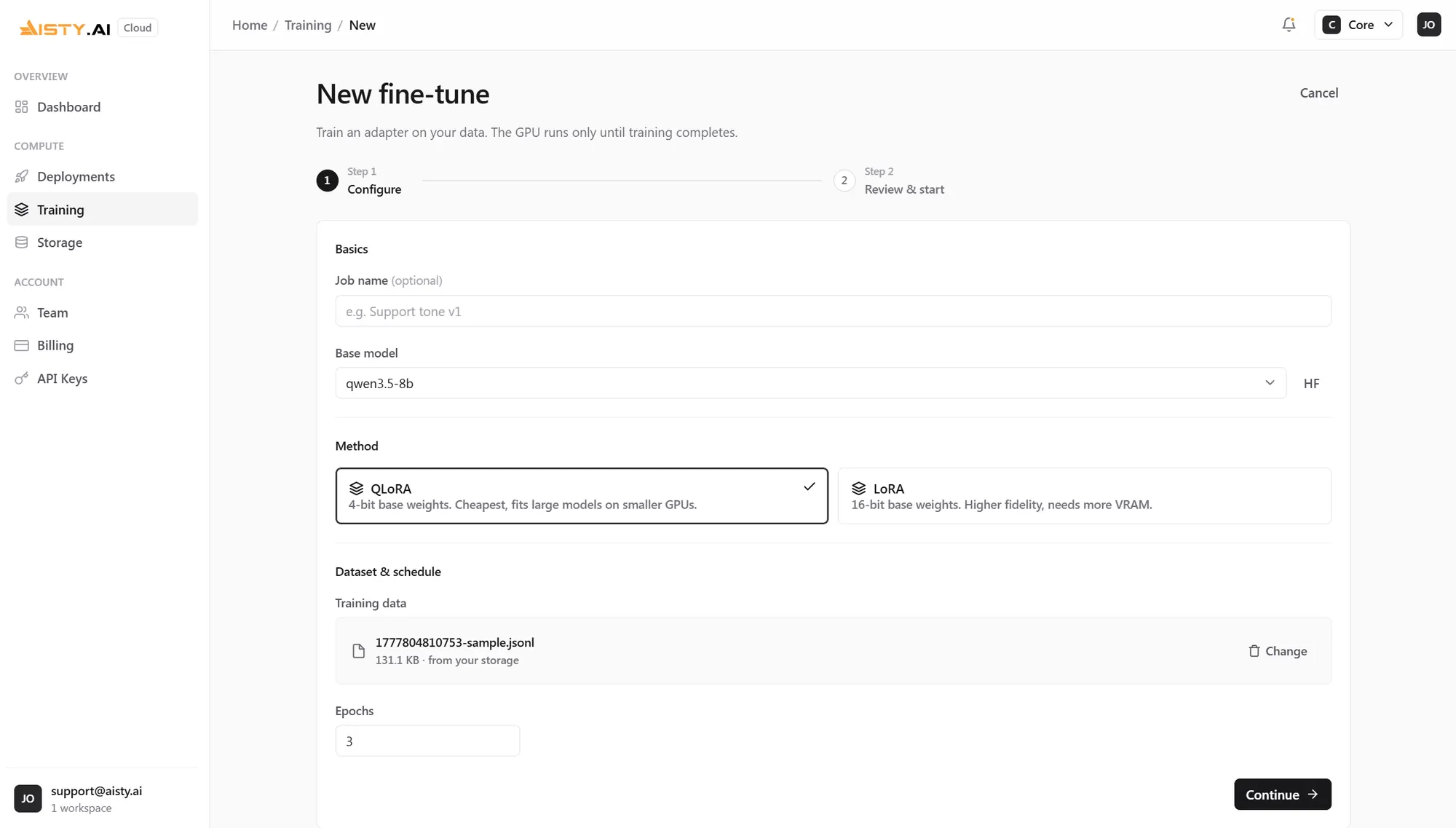
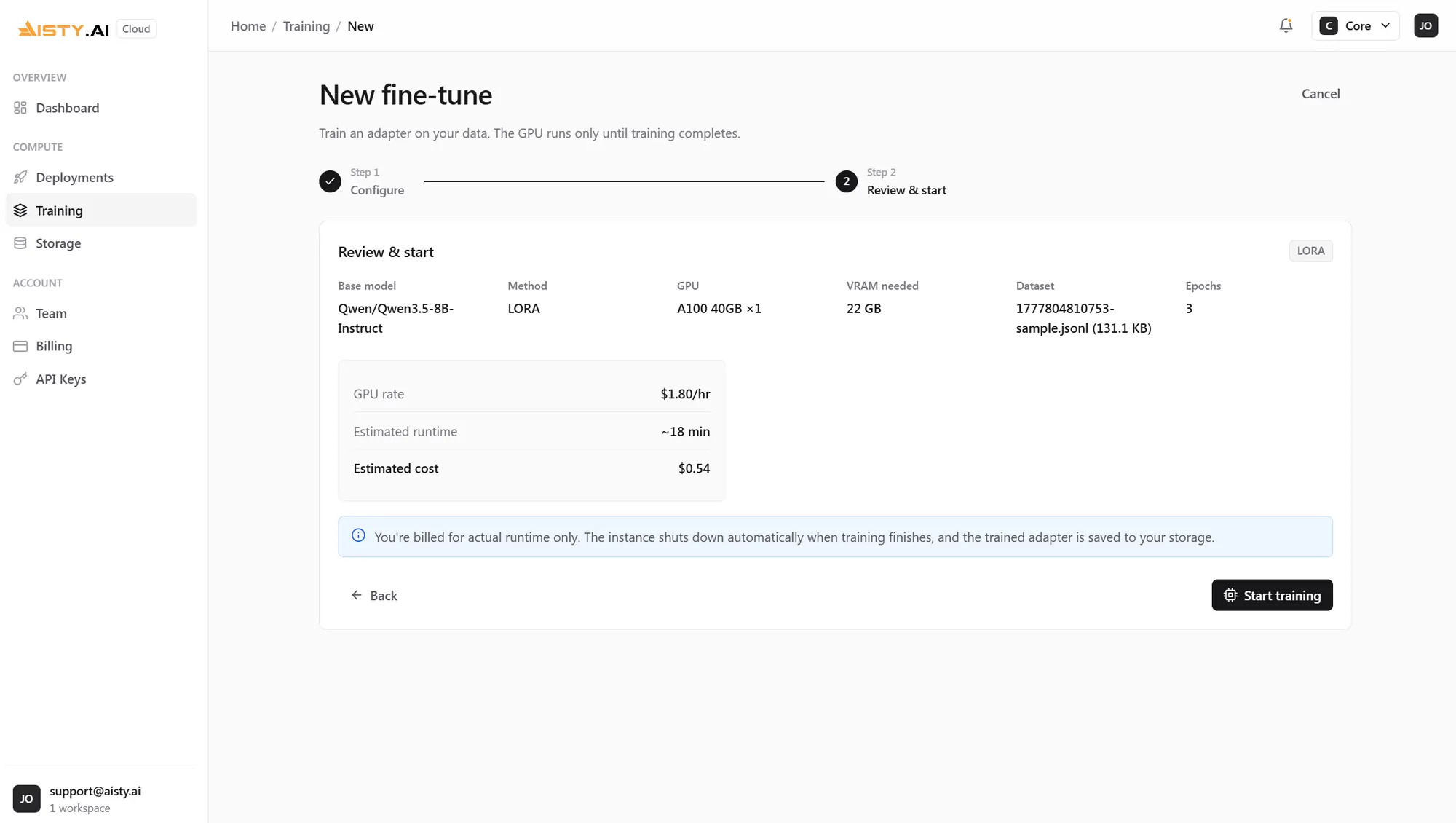
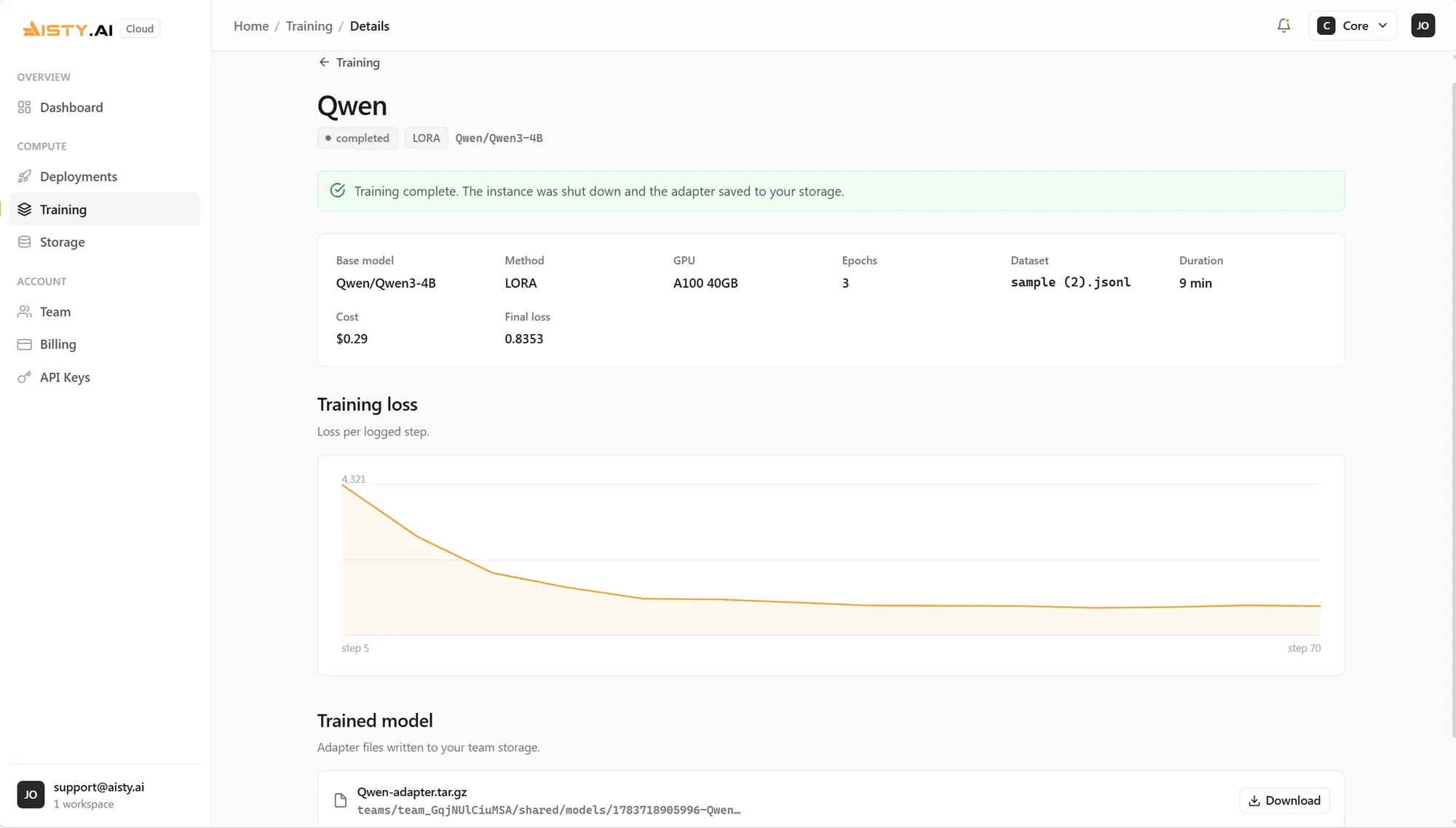
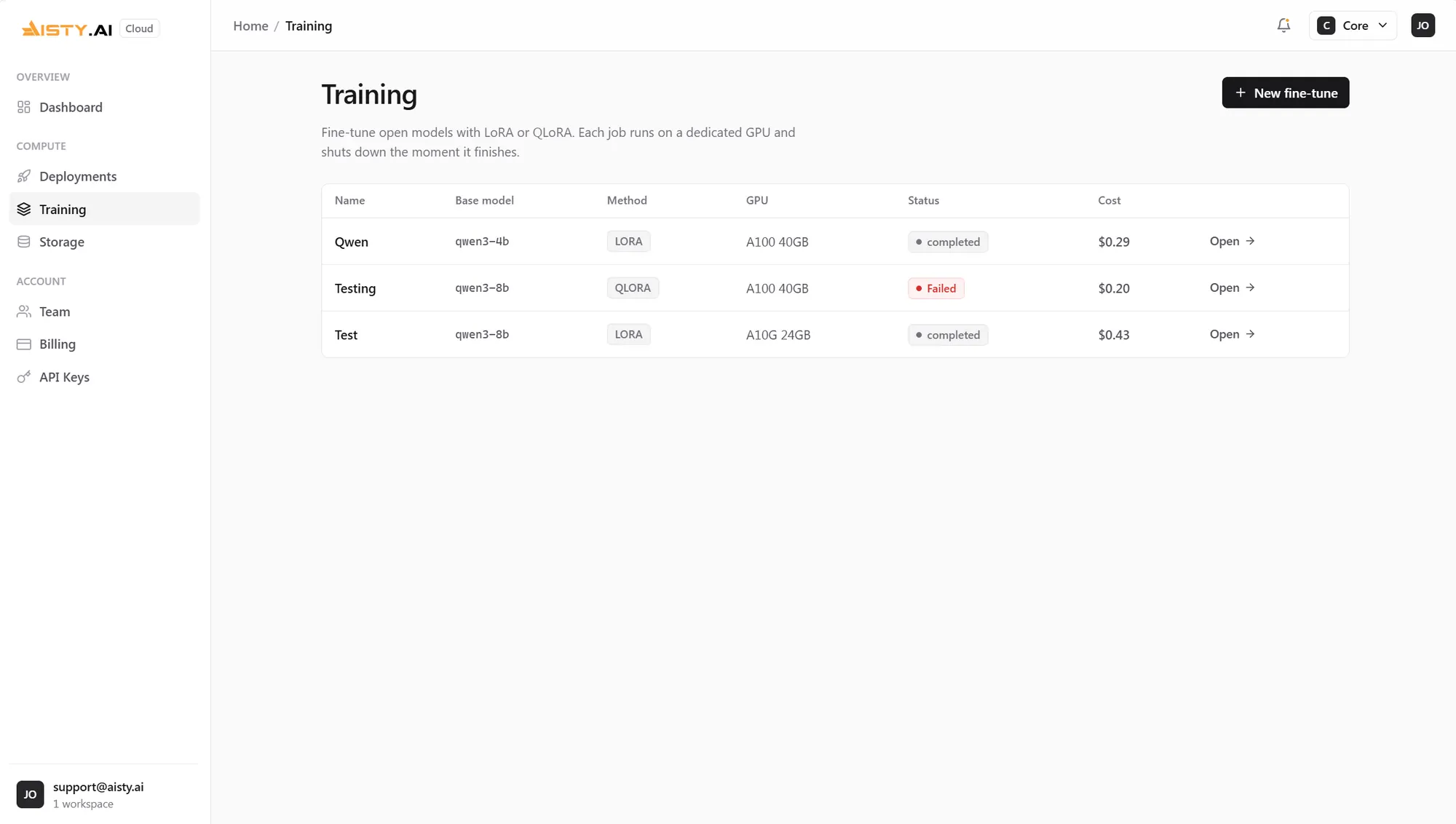
Upload your data, pick a base model, and Aisty runs a single LoRA or QLoRA job. No training loop to write, no cluster to babysit. The accelerator comes from the base model size, the same as hosting.
Trains a small set of adapter weights while the base model stays put. The fast path when the model already fits its accelerator.
Drops the base model to 4-bit before training, so a bigger model tunes on smaller hardware. Slower per step, cheaper per run.
Catalog
A short list on purpose. Every model here is sized against the accelerators we run, so nothing loads and then falls over. Need something else? Bring your own weights from Hugging Face.
| Model | Params | Context | Runs on |
|---|---|---|---|
| Qwen 3.5 4B | 4B | 128K | A100 40GB |
| Qwen 3.5 8B | 8B | 128K | A100 40GB |
| Qwen 3.5 14B | 14B | 128K | A100 40GB |
| Qwen 3.5 32B | 32B | 128K | H100 80GB |
| Qwen 3.6 4B | 4B | 256K | A100 40GB |
| Qwen 3.6 8B | 8B | 256K | A100 40GB |
| Qwen 3.6 14B | 14B | 256K | A100 40GB |
| Qwen 3.6 32B | 32B | 256K | H100 80GB |
| DeepSeek R1 Distill 8B | 8B | 128K | A100 40GB |
| DeepSeek R1 Distill 14B | 14B | 128K | A100 40GB |
| Gemma 3 12B | 12B | 128K | A100 40GB |
| Gemma 3 27B | 27B | 128K | H100 80GB |
| Mistral Small 3.1 24B | 24B | 128K | A100 40GB |
Sized for single-GPU serving in fp16. That's why there's no 70B here. If we can't serve it properly, we don't list it.
EU AI Act
Training a model on your own data is the easy half. The half that kills projects is being asked, months later, how that model was evaluated and on what.
So evals aren't a switch you remember to flip. Every fine-tune holds out a split, scores the model against it, and writes a structured record mapped to the EU AI Act articles it answers to, dropped beside the weights, on the run, ready to hand to whoever asks.
Pricing
No seats. No plan to outgrow. You pay for the accelerator hours and the storage your deployment uses, billed only while it runs, and you can tear it down whenever you like. A fine-tune is charged once, for the time it takes. The price you approve is the price on the invoice.